
Payout History & Timing
Track and understand the status of your past and pending payouts.
Overview
The Payouts section in your Inflow Dashboard provides a log of all disbursements made from your merchant balance to your connected bank accounts or wallets.
Each payout includes the date, amount, destination, and current status.
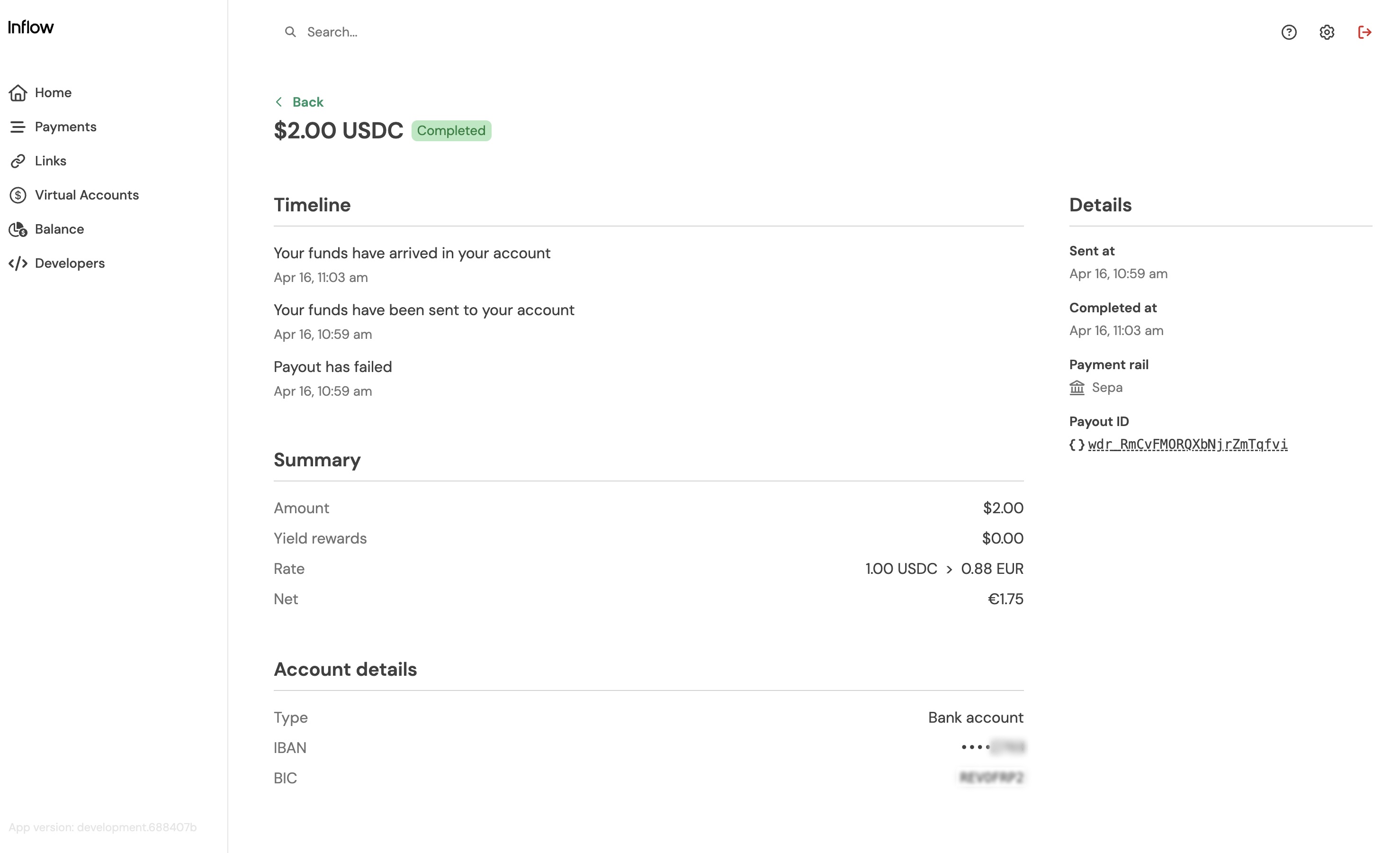
Payout Statuses
| Status | Meaning |
|---|---|
| Initiated | Your payout has been initiated |
| Sent | The payout has been sent to the network . |
| Processing | The payout is being processed by banking partner. |
| Submitted | The payout has been submitted to the destination network (e.g., bank). |
| completed | The funds have successfully arrived in the recipient’s account |
| Failed | There was an issue processing your payout (e.g. invalid account) |
View Your Payouts
To access your payout history:
- Go to the Balance page in your Dashboard
- Click the Payouts tab
- Review payout entries by date, amount, and destination
Updated 3 months ago