

Products
Available via: Dashboard only
Products lists the items you sell. Each product has a name, an optional description and image, and up to one price per currency: USD, EUR and GBP. You use products to build payment links and to create payments.
How to Access
- Open your Inflow Dashboard.
- Go to Product catalog → Products.
The page requires access to products. Creating, editing, pricing and archiving products requires write access. See Roles and Permissions.
Your Products
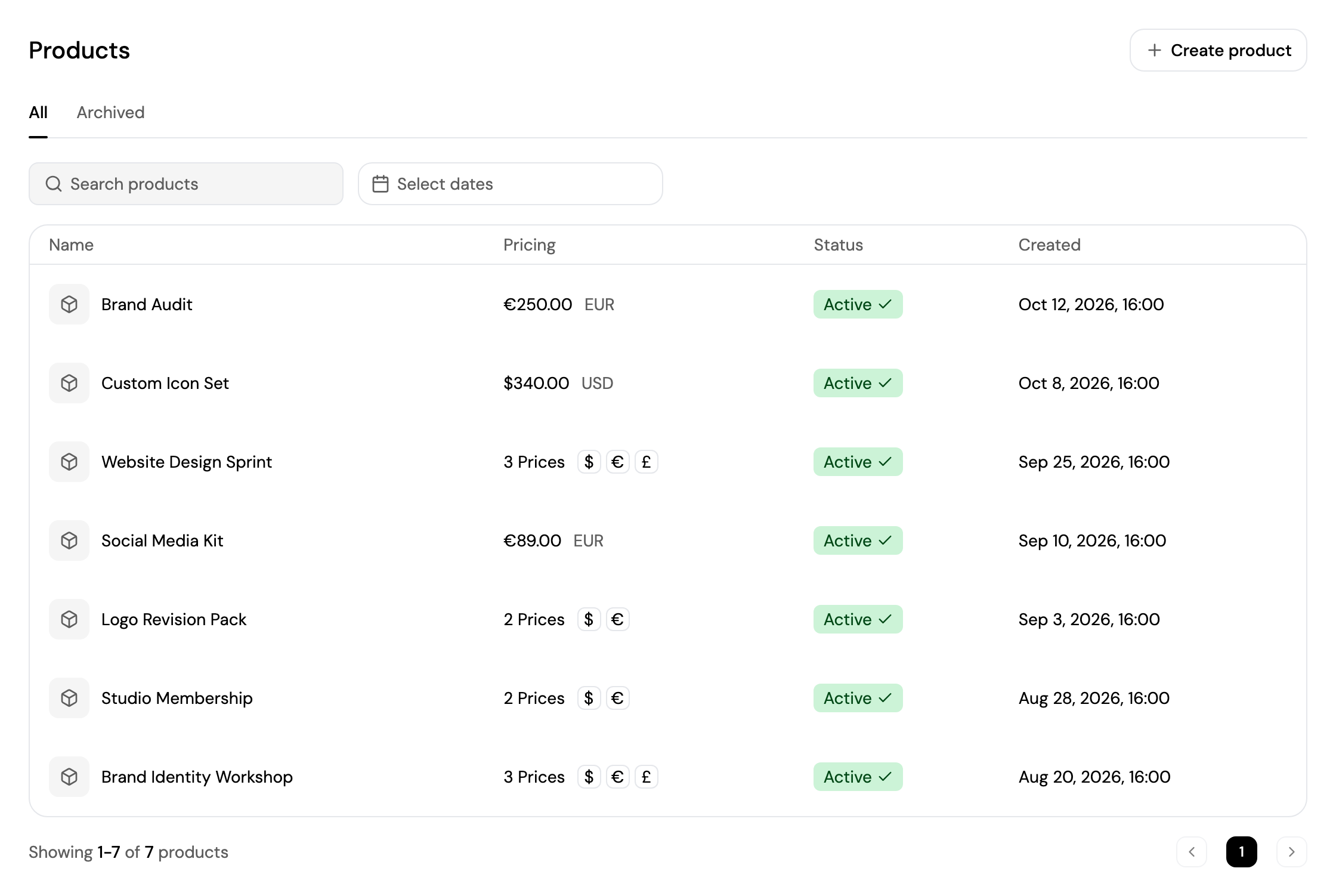
- All shows your active products; Archived shows the ones you've archived.
- Search for a product, and pick a date range with Select dates.
- Each product shows its name, Pricing (the price, or the number of prices with their currencies), Status and creation date.
- Click a product to open its page.
Create a Product
Click Create product and follow the steps. You can also create one from + → Product in the top bar, from Search, or with Add new while creating a payment link.
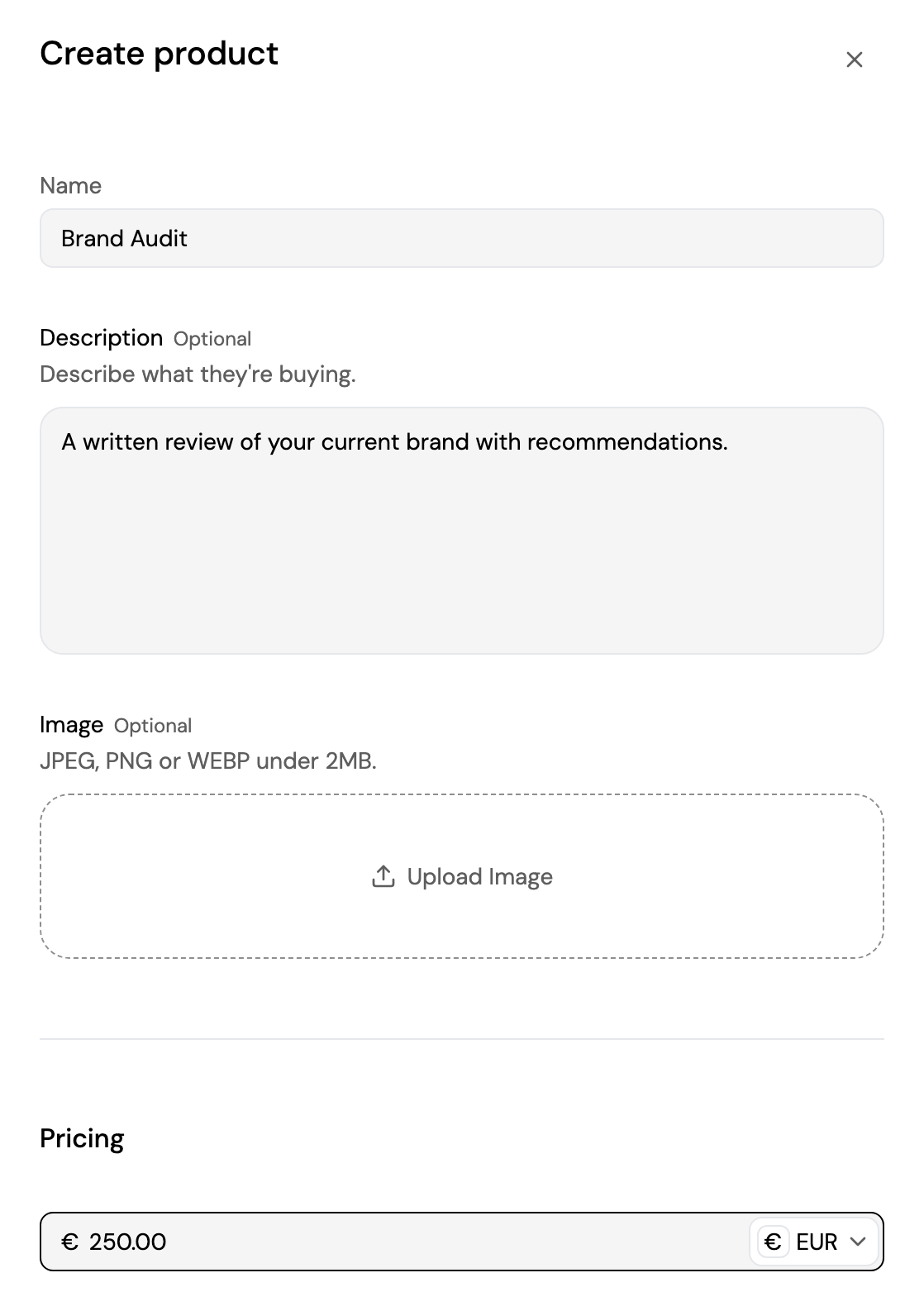
- Name: what your customers see at checkout. Up to 255 characters.
- Description (optional): what they're buying.
- Image (optional): JPEG, PNG or WEBP under 2 MB.
- Pricing (optional): a first price, in USD, EUR or GBP. You can add the other currencies later.
Click Create product. The product's page opens.
Product Details
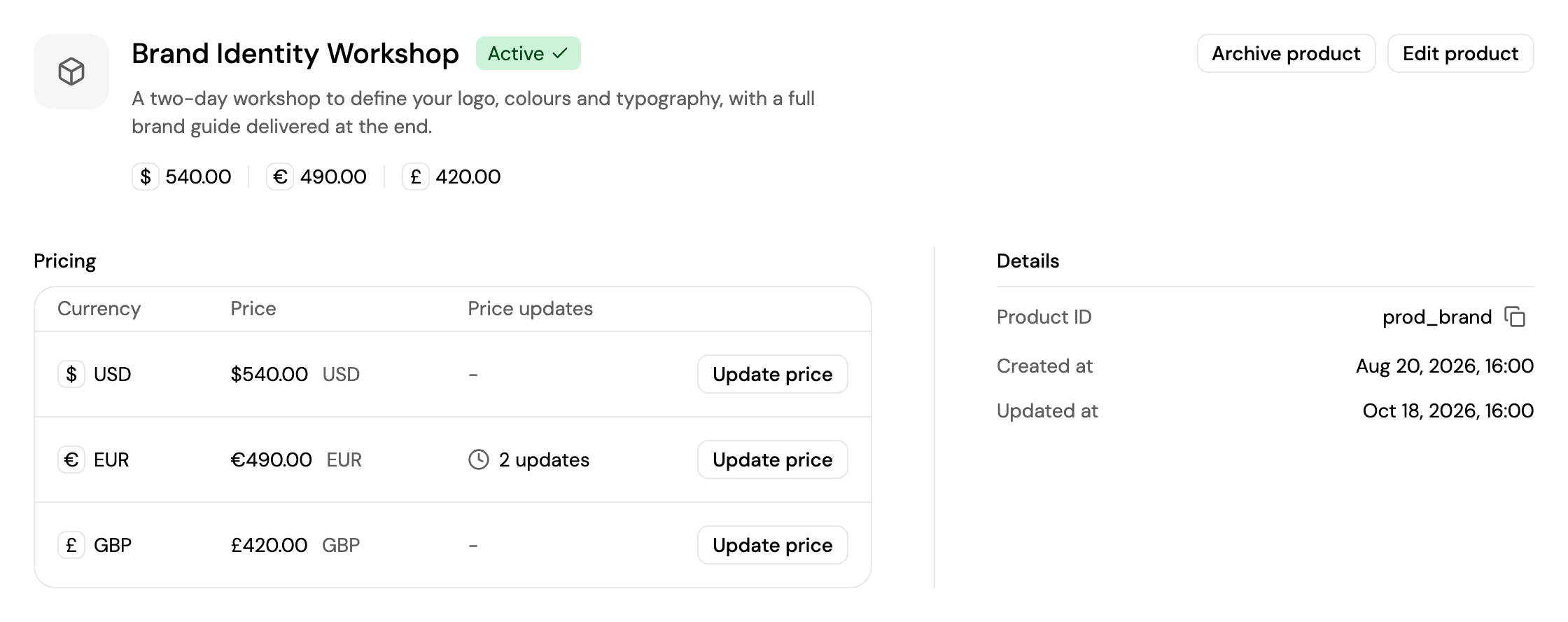
A product's page shows its image, name, status, description and current prices, and:
- Pricing: each currency with its current price and the number of Price updates.
- Details: the product ID, and when the product was created and last updated.
From a product's page you can:
- Edit product: change its name, description and image.
- Add price: add a price in a currency that doesn't have one yet. A product has at most one price per currency.
- Update price: set a new price for a currency. The previous prices are kept in the price history, shown when you update the price again.
- Archive product: hide it from your catalog, so it can't be added to new payment links. Payment links that already use it keep working. Click Unarchive product to bring it back.
Updated about 4 hours ago
Did this page help you?