

Virtual Accounts
Available via: Dashboard only
Virtual accounts gives your business its own bank details to receive bank transfers: a EUR account for SEPA transfers and a USD account for ACH transfers. The money you receive is added to your balance.
How to Access
- Open your Inflow Dashboard.
- Click Virtual accounts in the sidebar.
The page requires access to virtual accounts, and creating an account requires write access. The recent deposits are shown to members with access to deposits. See Roles and Permissions.
Create Your Accounts
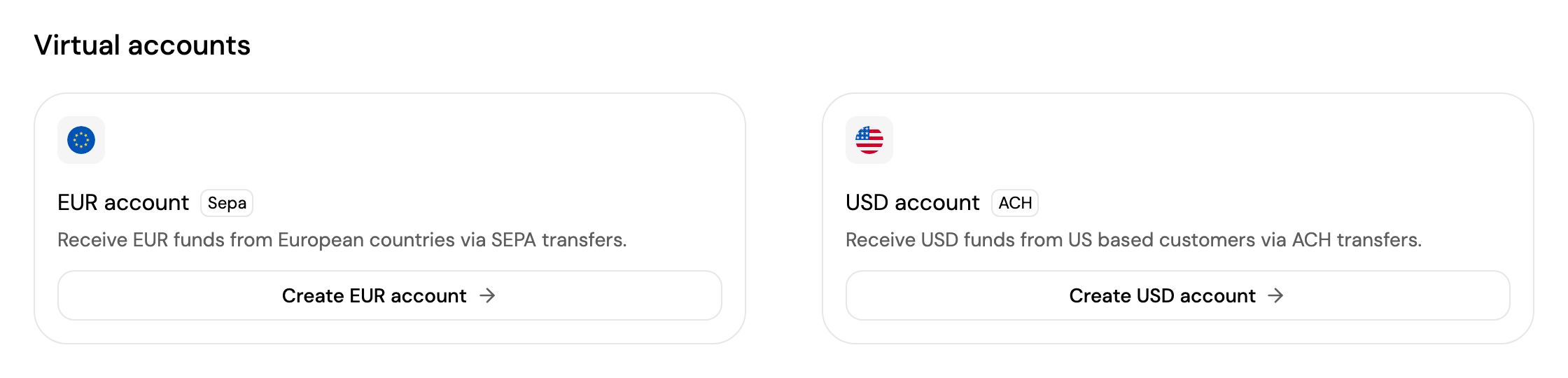
Until you create them, each account shows a Create button. Click Create EUR account or Create USD account; the account is created straight away and its bank details appear on the card. You can create one or both.
Your Accounts
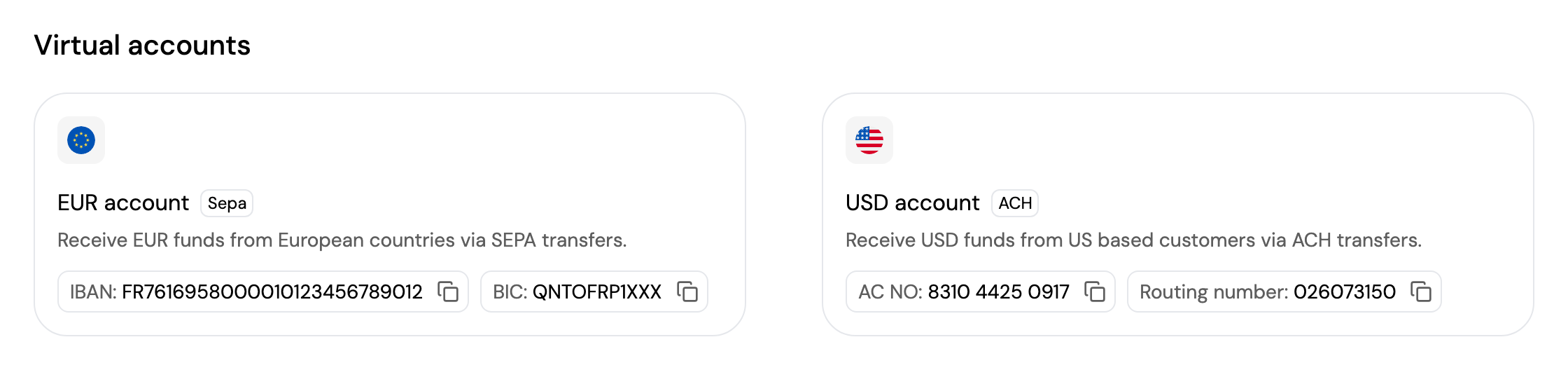
Once created, each card shows the details to share with whoever sends you money:
| Account | Details on the card |
|---|---|
| EUR account (SEPA) | IBAN and BIC |
| USD account (ACH) | Account number and Routing number |
Click the copy icon next to a detail to copy it.
Account Details
Click an account to open its details.
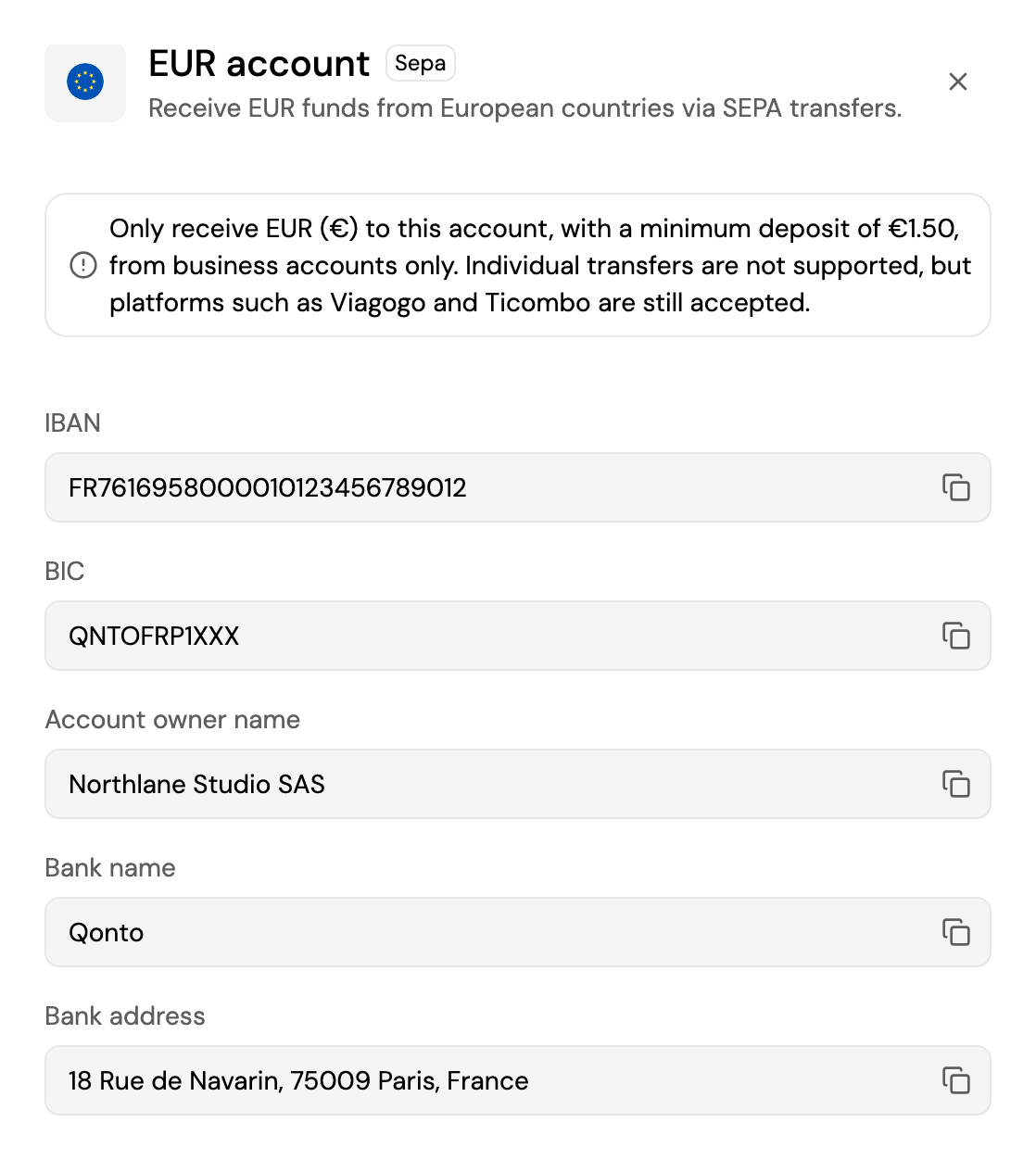
The details show everything a sender may ask for, each with a copy button:
- EUR account: IBAN, BIC, account owner name, bank name and bank address.
- USD account: routing number, account number, account owner name, bank name, bank address and beneficiary address.
The details also show what each account accepts:
- EUR account: only EUR, with a minimum deposit of €1.50, from business accounts only. Transfers from individuals aren't supported, but platforms such as Viagogo and Ticombo are accepted.
- USD account: only USD, with a minimum deposit of $1.50. Wire transfers above $20,000 aren't supported.
Recent Deposits
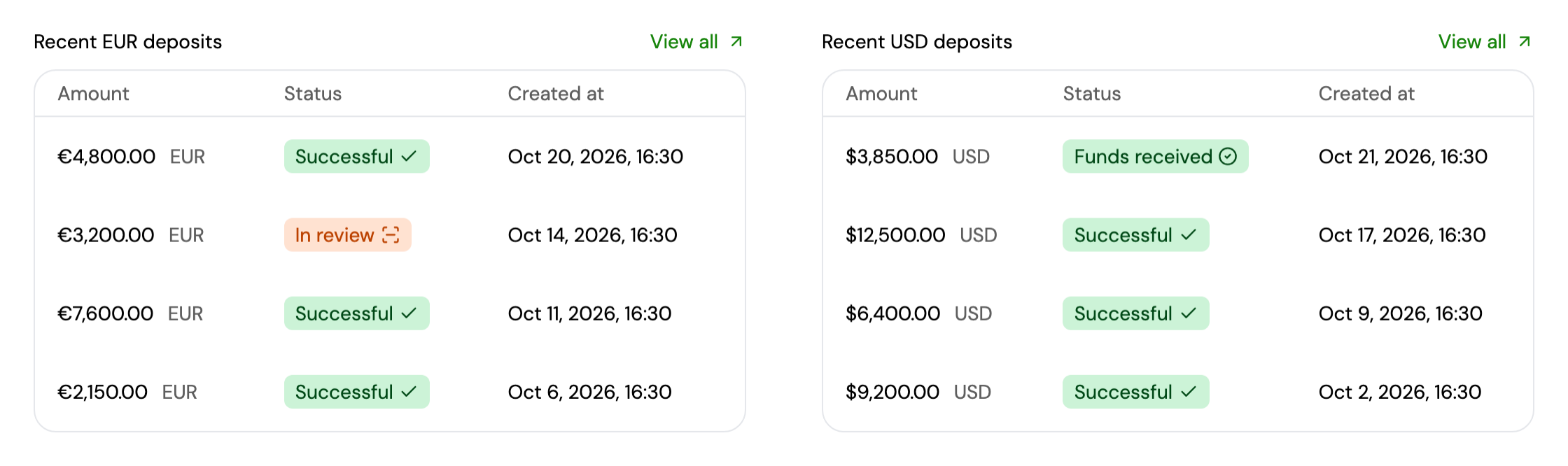
Under each account, your 5 latest deposits in that currency are shown with their amount, status and date. Click a deposit to open it, or View all to see every deposit in that currency in Transactions → Deposits.
See Receiving Funds via Virtual IBANs for how deposits are processed.
Updated about 4 hours ago