

Deposits
Available via: Dashboard only
The Deposits tab lists the bank transfers you receive on your virtual accounts.
How to Access
- Open your Inflow Dashboard.
- Go to Transactions → Deposits.
The tab requires access to deposits. See Roles and Permissions.
Your Deposits
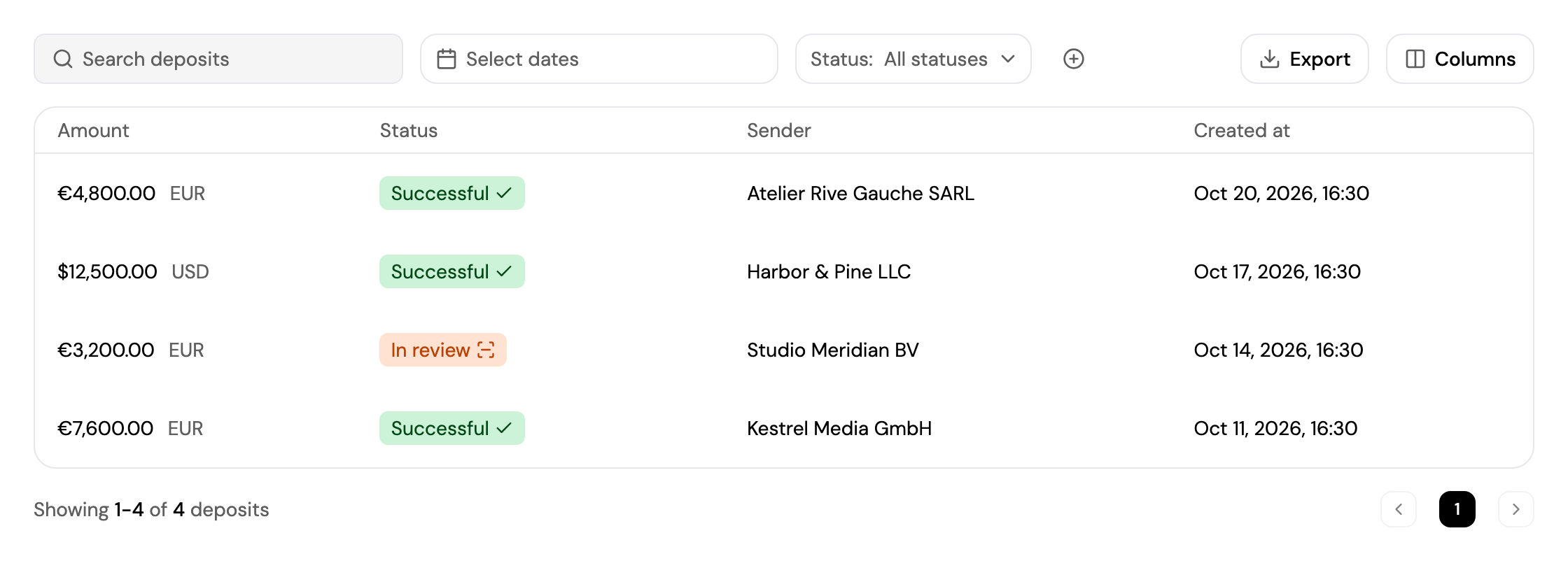
Each deposit shows its amount, status, sender and date. See Finding a Transaction for search, filters and export.
| Status | Meaning |
|---|---|
| Funds received / Processing | The transfer has arrived and is being processed. |
| In review | The transfer is being reviewed before it's added to your balance. |
| Successful | The money is in your balance. |
| Refunded | The transfer was sent back to the sender. |
Click a deposit to see its breakdown, the sender's details and its timeline.
Updated about 4 hours ago
Did this page help you?