

Currency Conversions
Available via: Dashboard only
The Currency conversions tab lists your conversions between your USD and EUR balances.
How to Access
- Open your Inflow Dashboard.
- Go to Transactions → Currency conversions.
The tab requires access to swaps. See Roles and Permissions.
Your Conversions
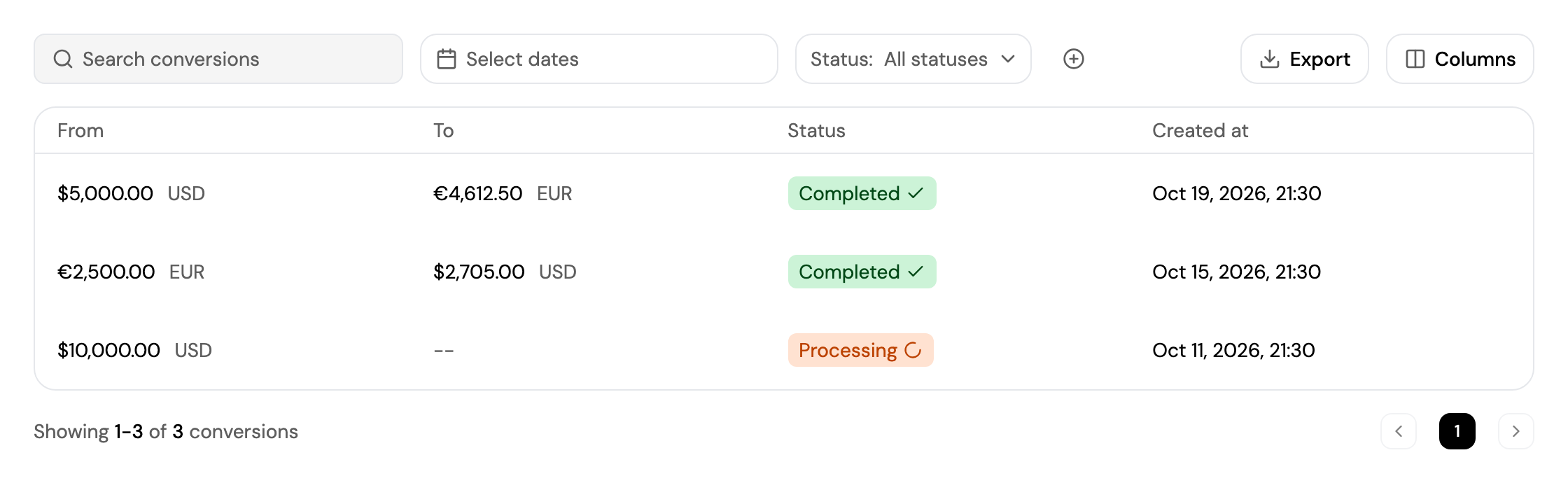
Each conversion shows the amount converted (From), the amount received (To), its status and the date. See Finding a Transaction for search, filters and export.
You convert from Balances. See Understanding Your Balance.
Updated about 4 hours ago
Did this page help you?