

Settings
Available via: Dashboard and API
Connect Settings has three tabs: Platform fees, Payout & risk and Onboarding. Each section saves on its own: change it and click Save, or Cancel to undo. Switches and checkboxes save straight away. Changing settings requires write access to Connect.
These settings are also available through the API. See Marketplace Settings and Platform Fees and Payouts.
How to Access
- Open your Inflow Dashboard.
- Go to Connect → Settings.
Platform Fees
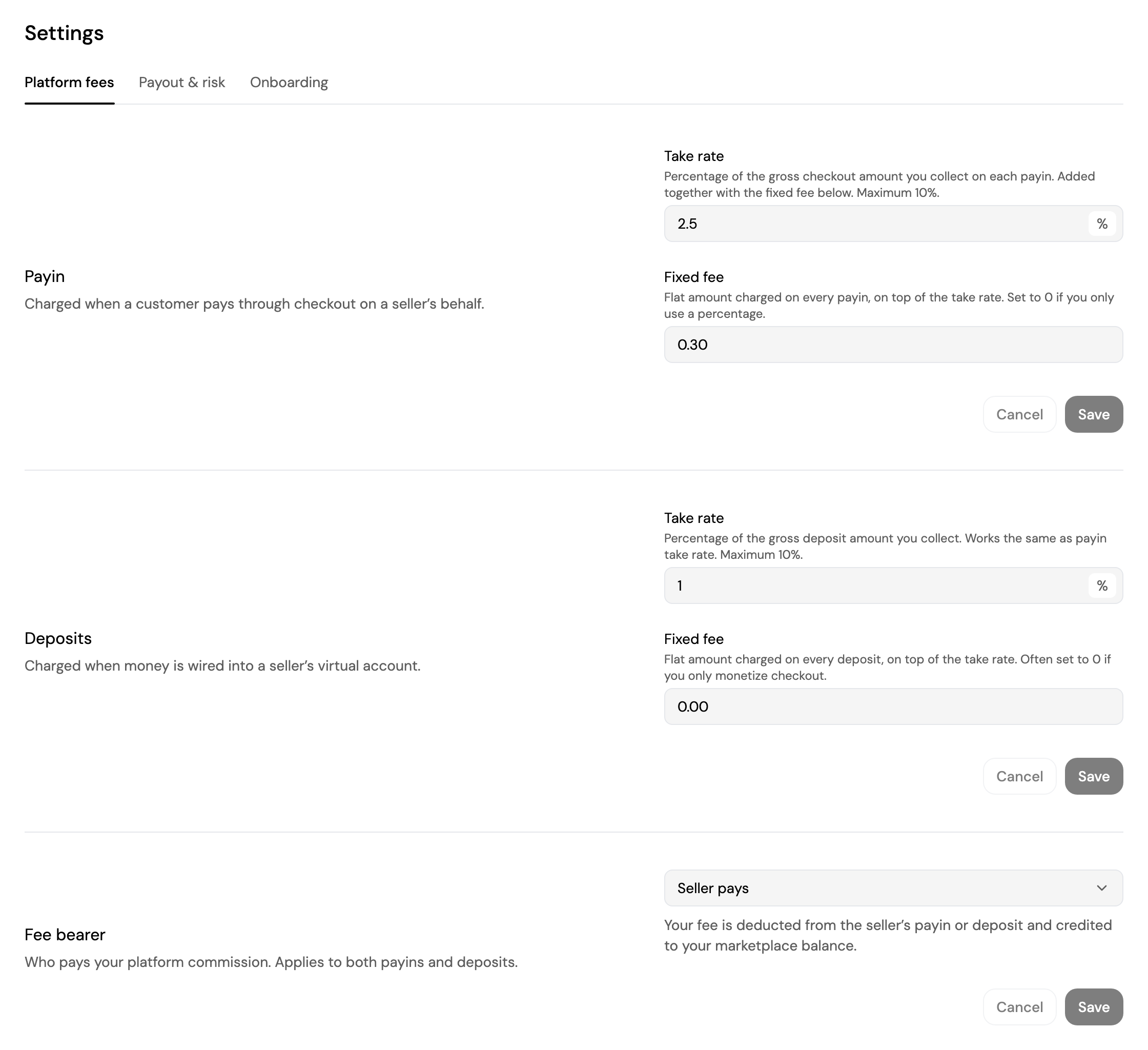
- Payin: what you charge when a customer pays one of your sellers through checkout. A Take rate, up to 10% of the gross amount, plus a Fixed fee on every payin.
- Deposits: what you charge when money is wired into a seller's virtual account, with its own Take rate and Fixed fee.
- Fee bearer: who pays your platform fee, for both payins and deposits.
- Seller pays: your fee is deducted from the seller's payin or deposit and credited to your marketplace balance.
- Marketplace pays: sellers receive their full payin or deposit, and your fee isn't deducted from them.
Payout & Risk
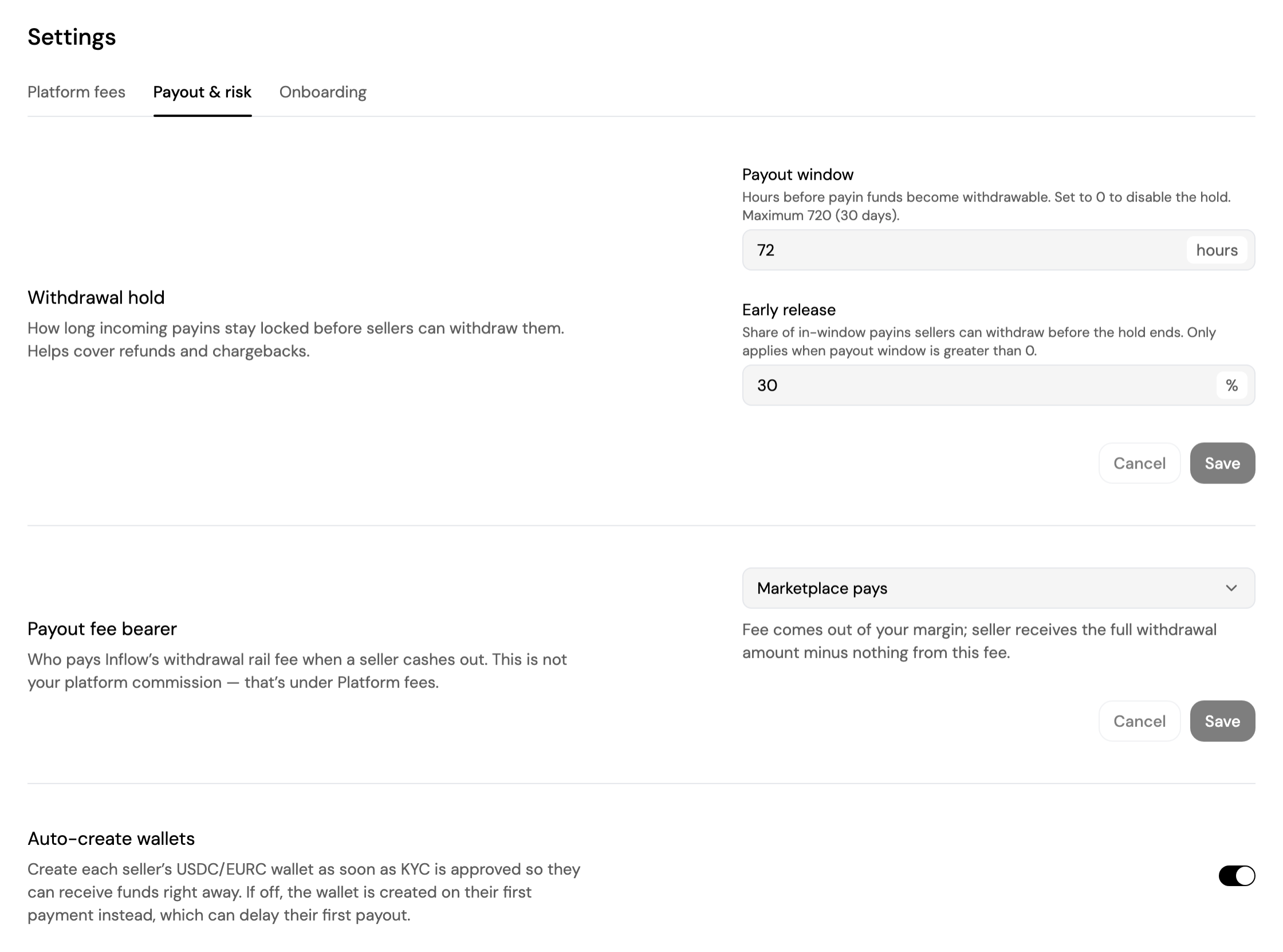
- Withdrawal hold: how long incoming payins stay locked before sellers can withdraw them, to cover refunds and chargebacks.
- Payout window: hours before payin funds become withdrawable, from 0 (no hold) to 720 (30 days).
- Early release: the share of held payins sellers can withdraw before the hold ends.
- Payout fee bearer: who pays Inflow's withdrawal fee when a seller cashes out. This isn't your platform fee.
- Marketplace pays: the fee comes out of your margin, and the seller receives their full withdrawal.
- Seller pays: the fee is deducted from the seller's withdrawal.
- Auto-create wallets: create each seller's USD and EUR wallet as soon as their KYC is approved, so they can receive funds right away. When it's off, the wallet is created on their first payment, which can delay their first payout.
Onboarding
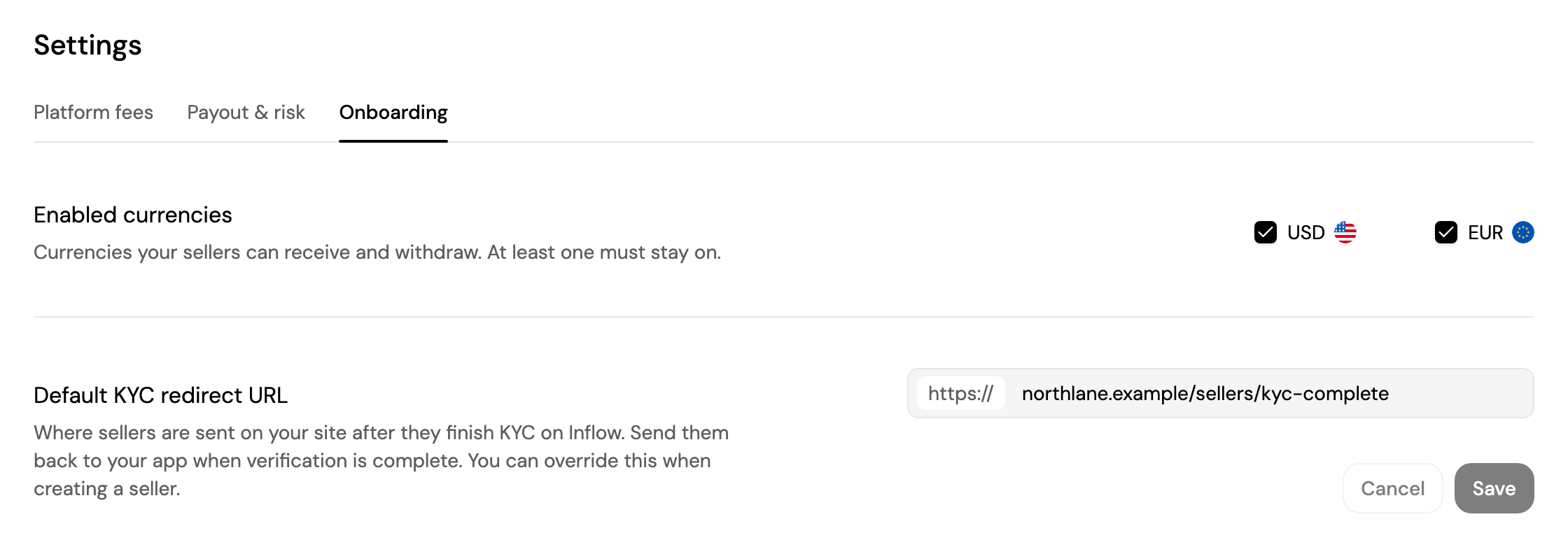
- Enabled currencies: the currencies your sellers can receive and withdraw, USD and EUR. At least one stays on.
- Default KYC redirect URL: where sellers go on your site after finishing their KYC on Inflow. You can override it for each seller when you create them through the API.
Updated about 4 hours ago
Did this page help you?