

Connect
Available via: Dashboard and API
Connect lets you run a multi-seller platform on Inflow: onboard sellers, verify them with KYC/KYB, accept payments on their behalf, collect your platform fee, and pay each seller out. You set up sellers and payments through the API; the dashboard lets you follow them and manage your settings. See How Connect Works.
Request Connect Access
Until Connect is enabled on your account, Connect in the sidebar opens its presentation page.
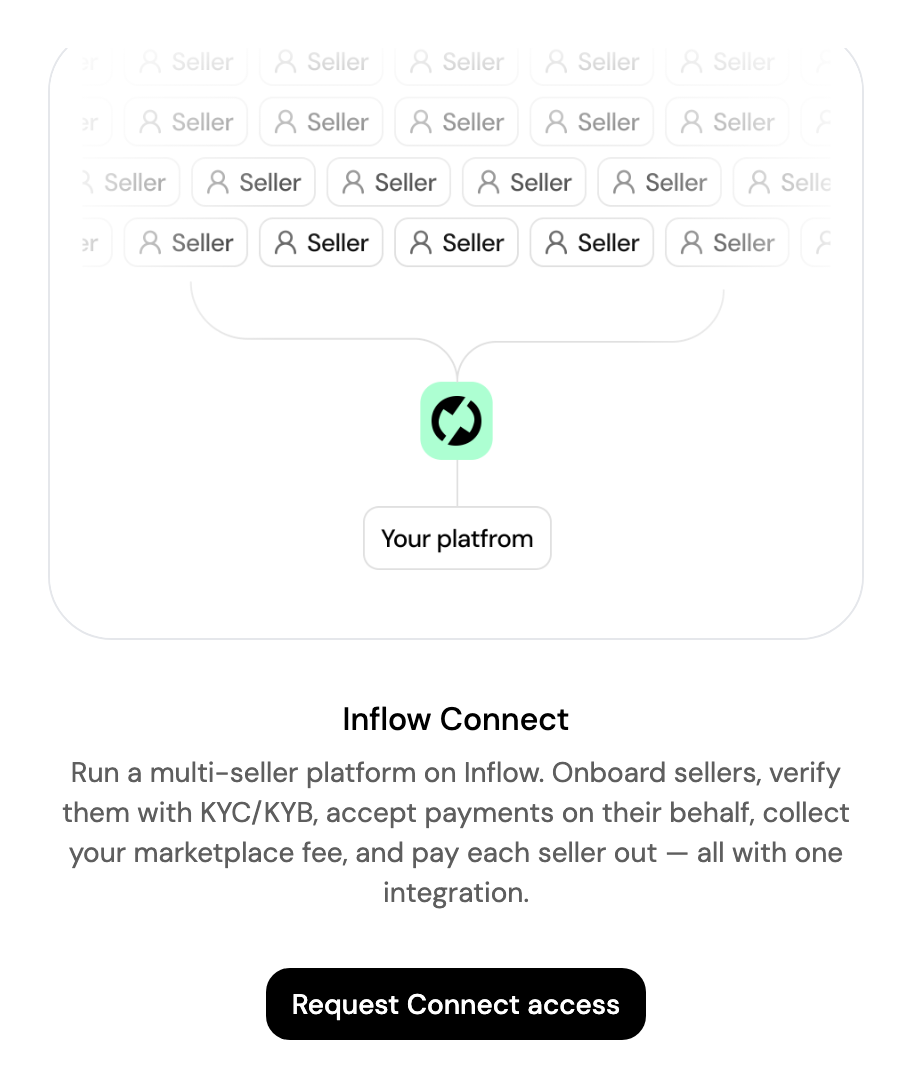
Click Request Connect access and fill in the form:
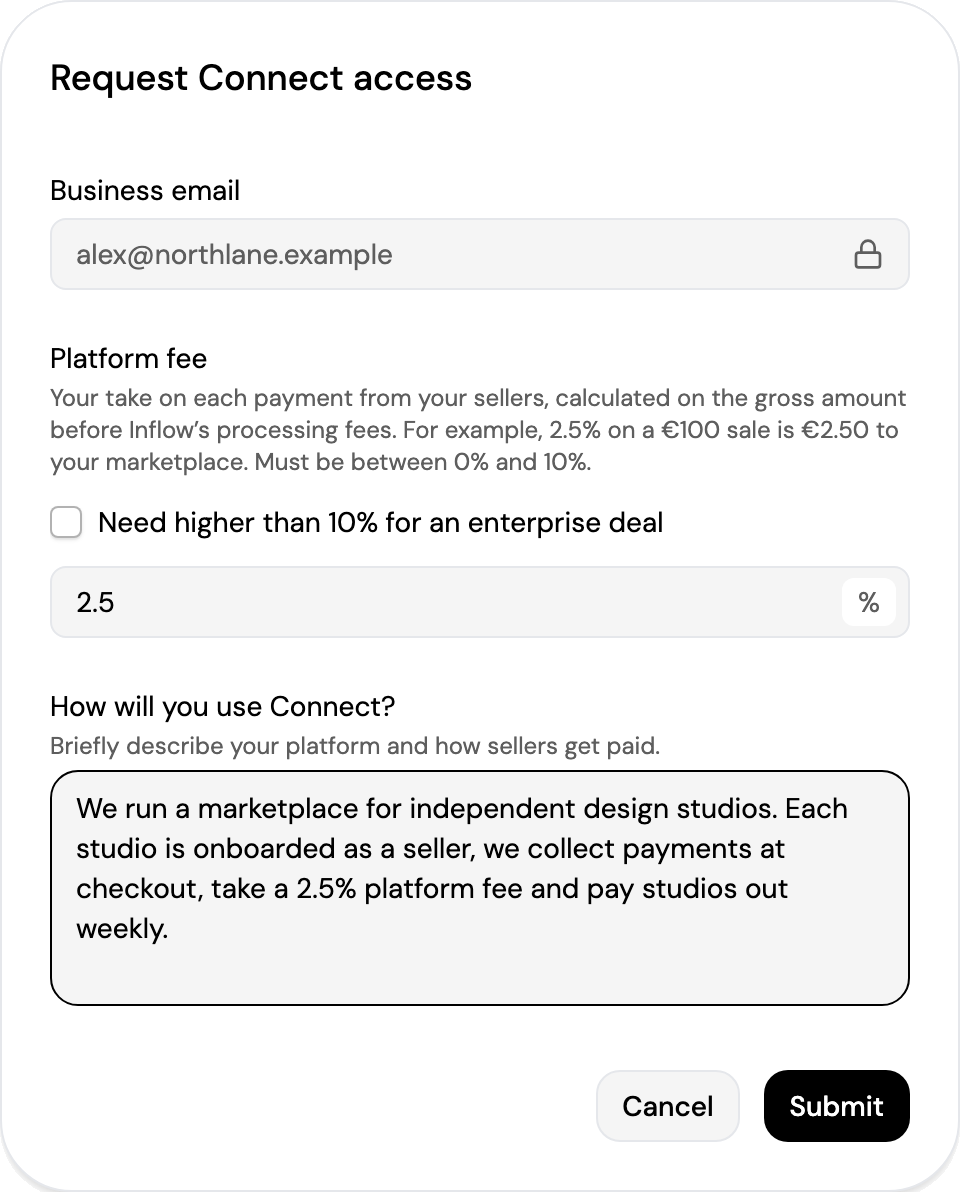
- Business email: your account email, filled in for you.
- Platform fee: your take on each payment from your sellers, calculated on the gross amount before Inflow's processing fees. For example, 2.5% on a €100 sale is €2.50 to your marketplace. Between 0% and 10%; tick Need higher than 10% for an enterprise deal for more.
- How will you use Connect?: briefly describe your platform and how sellers get paid.
Click Submit. The page then shows Access request under review until our team enables Connect on your account. Requesting access requires write access to Connect.
Pages
Once Connect is enabled, Connect in the sidebar opens three pages:
| Page | What you find there |
|---|---|
| Transactions | Your sellers' payments, payouts and deposits. See Transactions. |
| Sellers | Your sellers, their verification status, balances and activity. See Sellers. |
| Settings | Your platform fees, payout rules and onboarding defaults. See Settings. |
Viewing these pages requires access to Connect, and changing settings requires write access. See Roles and Permissions.
Creating sellers, suspending them and per-seller fee overrides are done through the API. See Sub-merchant Onboarding, Suspension and Lifecycle and Sub-merchant Fee Overrides. In the dashboard, sub-merchants are called sellers.
Updated about 4 hours ago